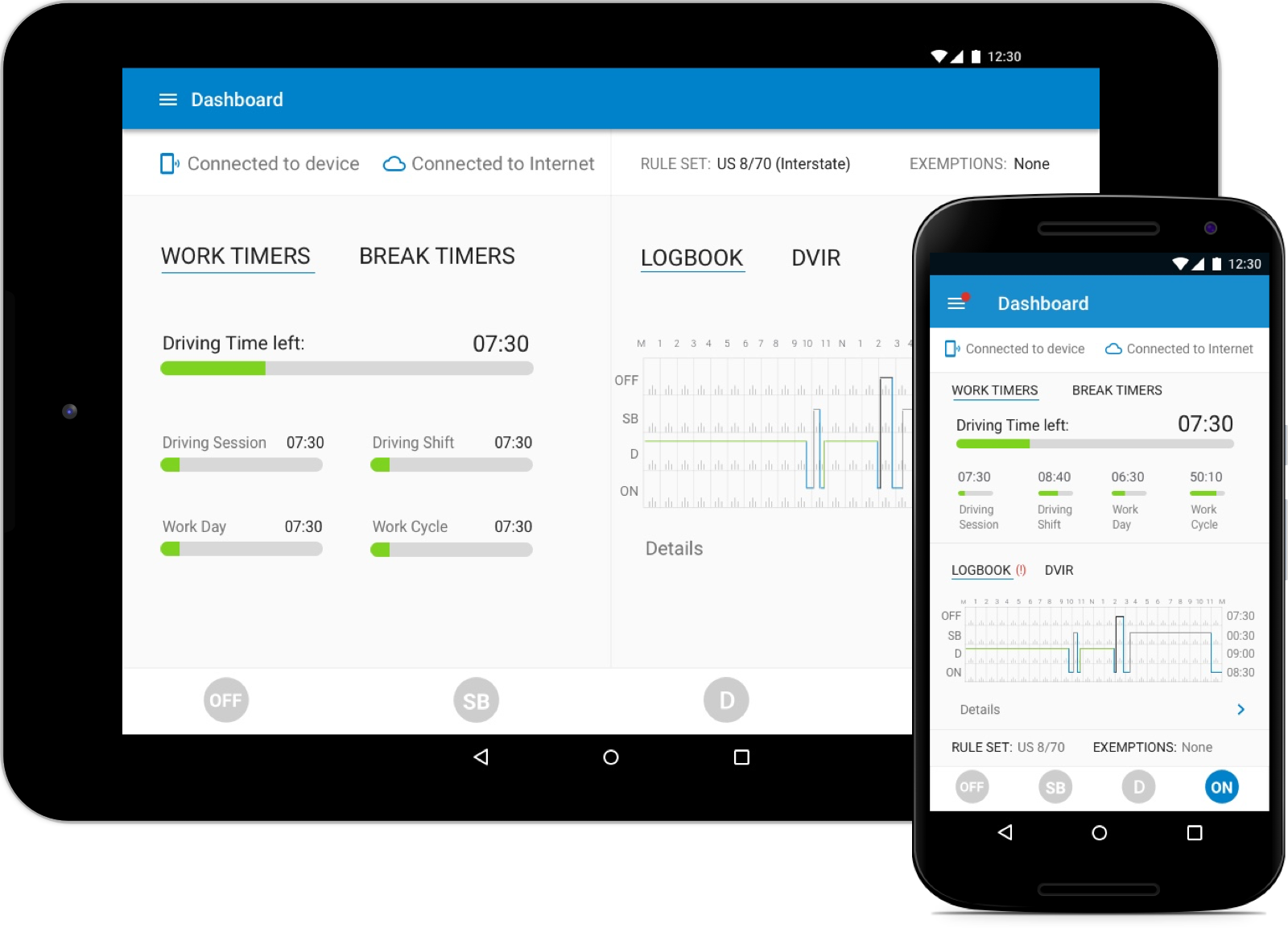
DriverConnect – Fleet & Driver Management

Improving Onboarding & Communication for Fleet Management

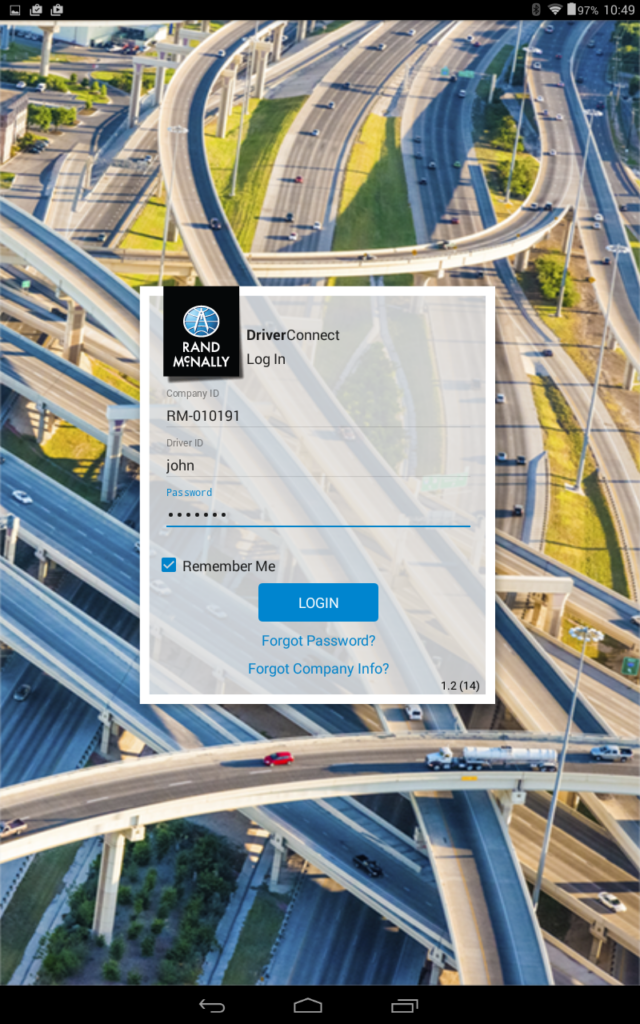
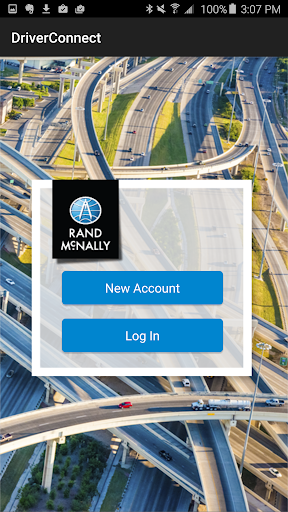
Landing screen for Driver Connect after login

Overview

I joined Rand McNally to work on Driver Connect, a fleet management solution within their commercial products line. The product was used by truck drivers, fleet managers, and owner-operators to manage compliance, communication, and daily operations.

My focus was on streamlining the product’s design language and solving critical usability challenges, particularly around onboarding and driver–fleet communication, using a user-centered, iterative design process.
Role

UX/UI Designer

Platform

Android (ELD-enabled mobile app), Web Portal

Team

Director of Products, Product Manager, Engineering Lead, 6 devs (front end + backend), 2 QA’a

The Challenge

Driver Connect was being actively developed in a fast-paced environment with close involvement from C-suite stakeholders. While feature velocity was high, usability gaps were creating friction for users—especially new customers.

Two key problems emerged:

  1. Onboarding was confusing and ineffective
  2. Communication between drivers and fleet managers was fragmented

Discovery & Research

  • Listening tours: I met with engineering, product, sales, and customer support and stakeholders. This helped align on priorities and surface recurring user complaints.
  • Interviews: Through usability testing and interviews, several onboarding pain points emerged
  • Competitive Analysis: I studied onboarding flows from products that require hardware pairing, like – fitbit (fitness & health), Apple Watch (Wearables), KeepTruckin (Transportation).This helped identify best practices for guided, task-based onboarding.

Key Findings

  • Fragmented account setupUsers signing up from the app unknowingly created separate company accounts, leading to frequent support requests to merge fleets.
  • Missed configuration steps – Many users skipped setup and unknowingly operated on default settings, impacting data accuracy.
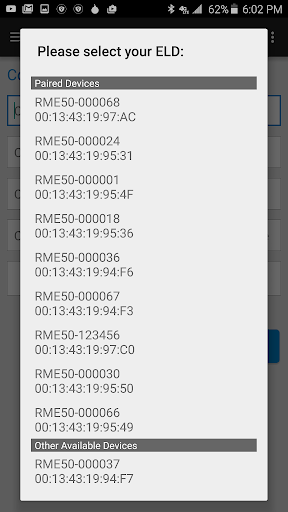
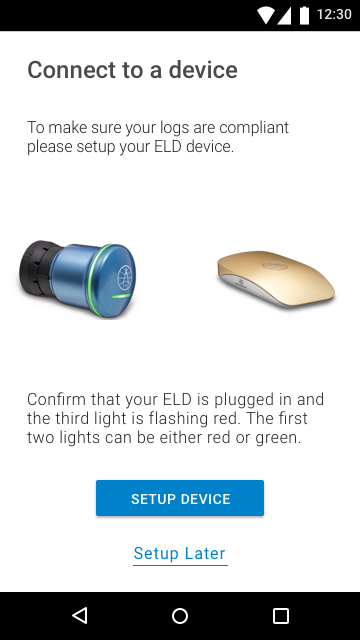
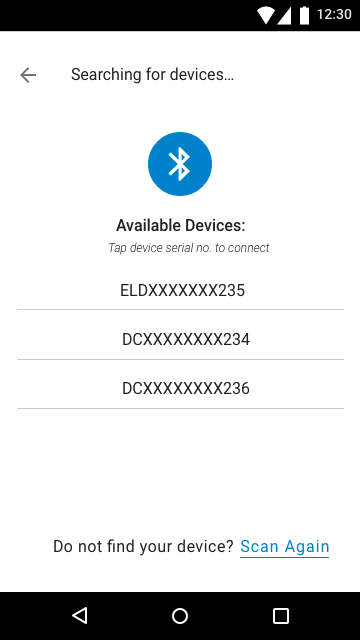
  • Device confusion – The Android device list was overwhelming and unclear for truck drivers.
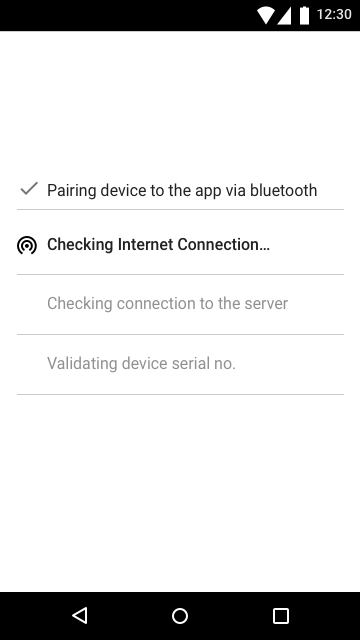
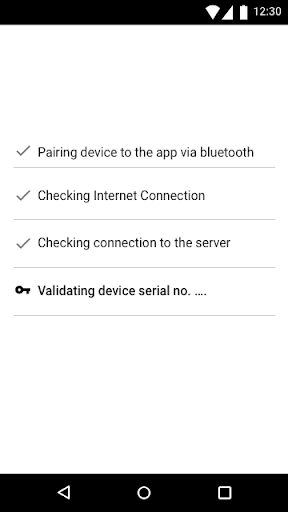
  • Unclear starting pointUsers were unsure when and how to pair their ELD device.

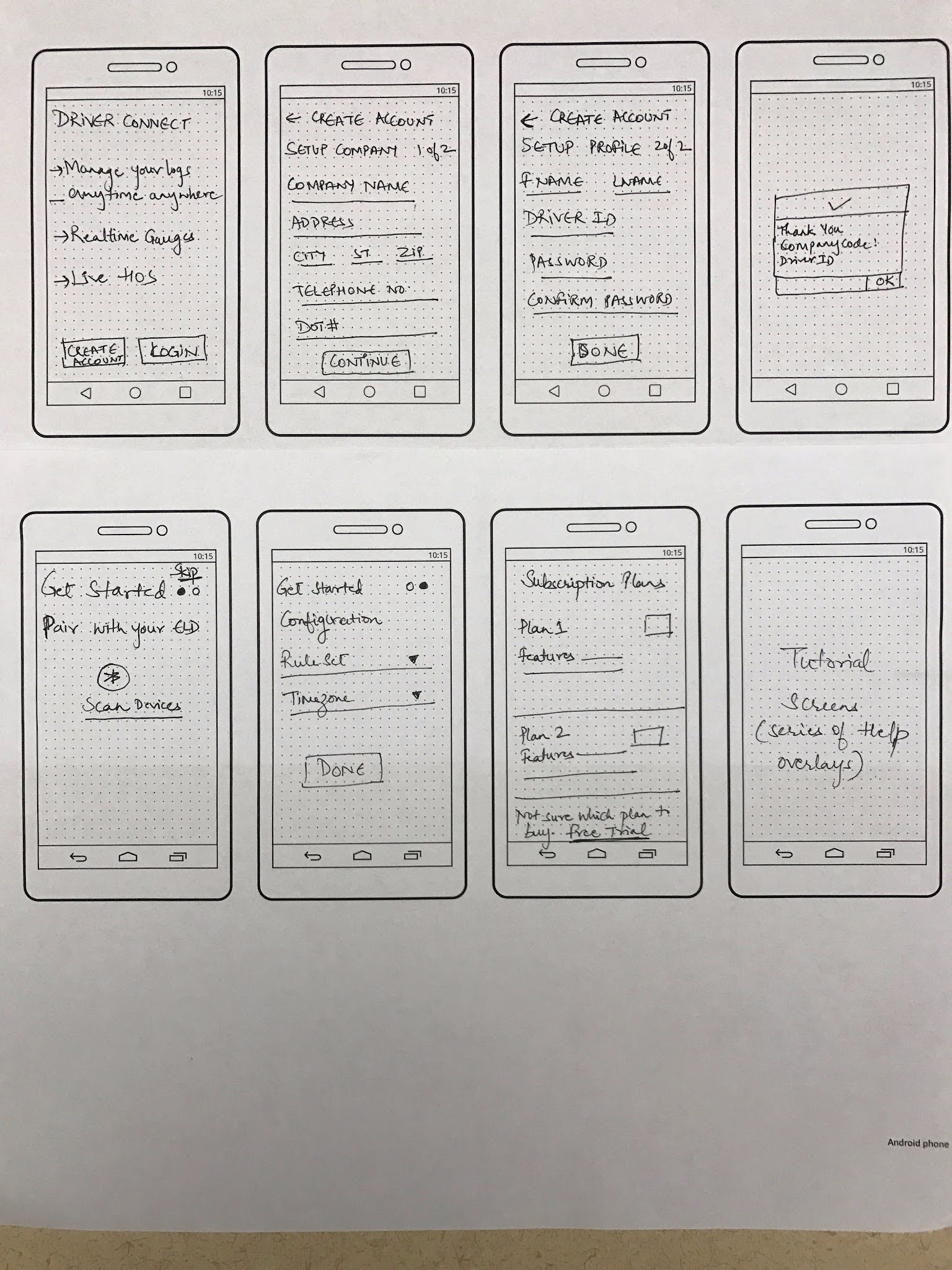
Landing screen

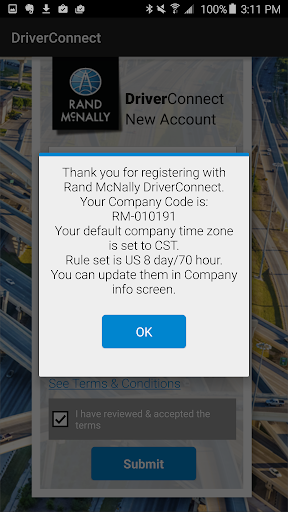
Confirmation screen

Login screen

Select ELD device screen

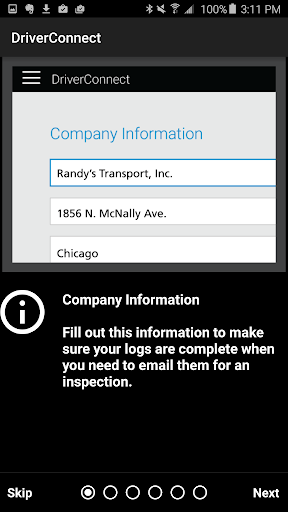
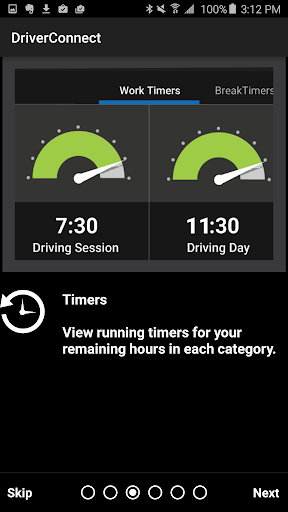
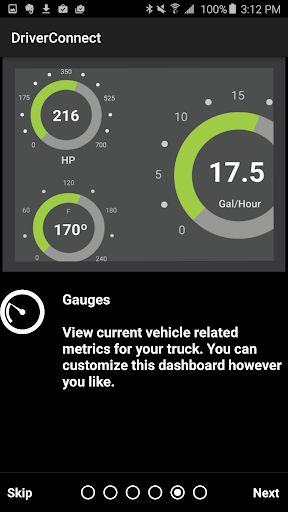
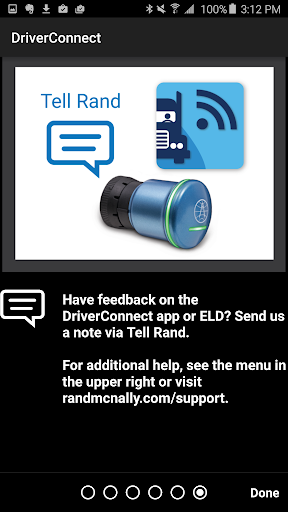
App tour - 1

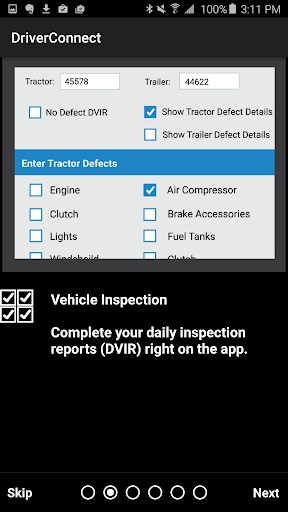
App tour - 2

App tour - 3

App tour - 4

App tour - 5

Design Approach

Create a guided, actionable onboarding flow that:

  • Helps users complete setup correctly
  • Reduces support dependency
  • Gets drivers operational faster without overwhelming them

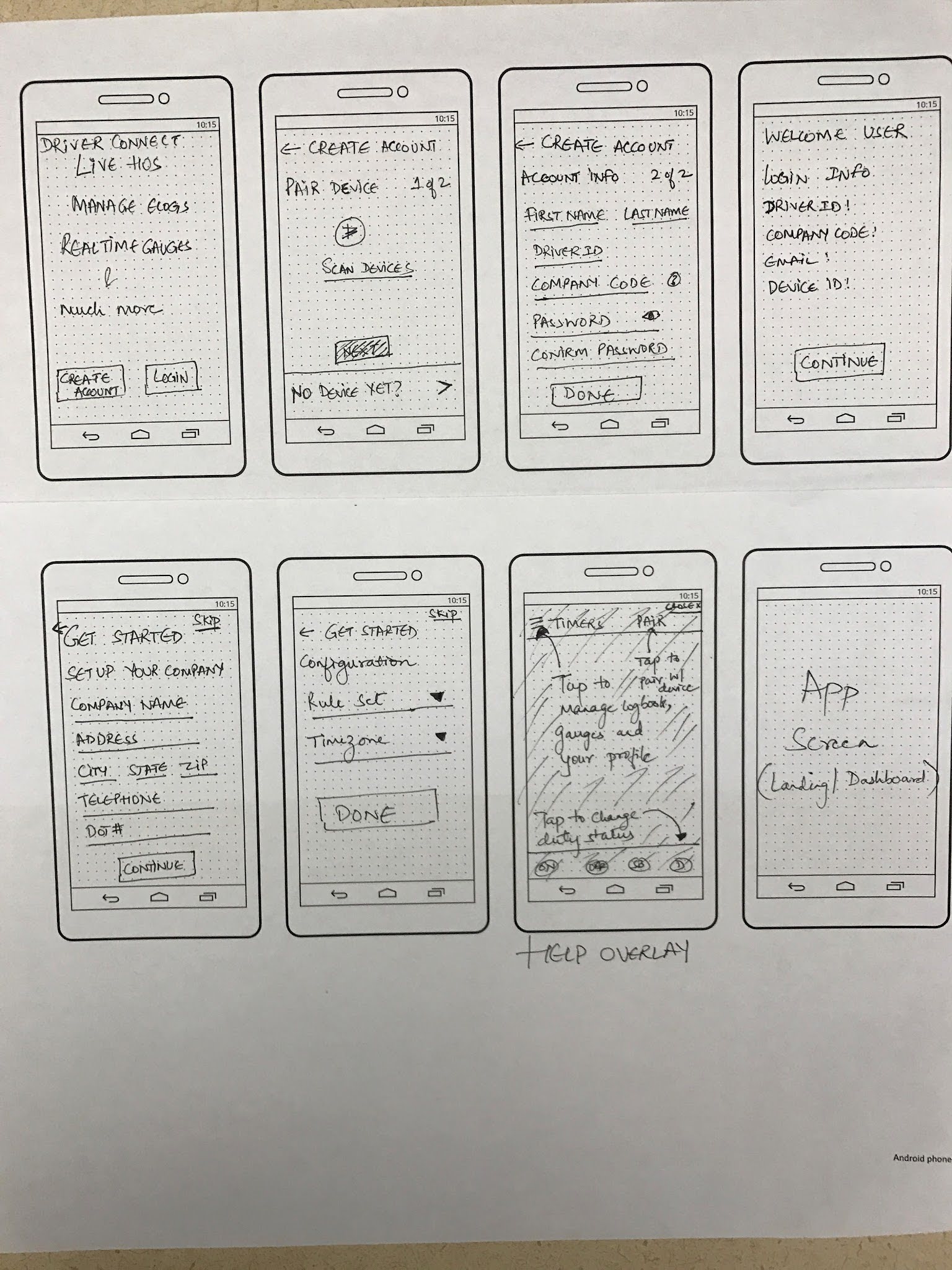
Make ruleset/timezone config mandatory steps

Pair ELD Device first
and get company info

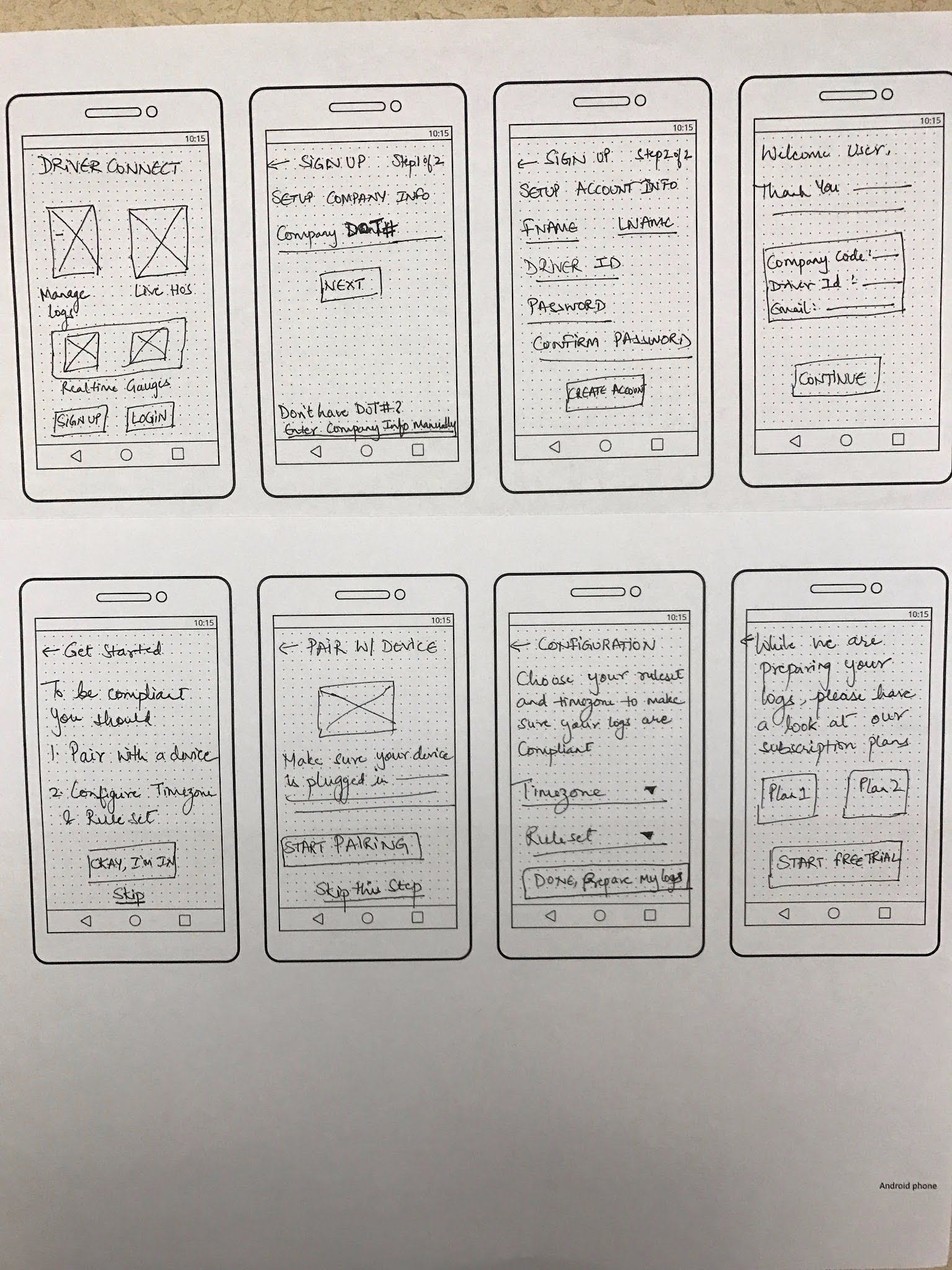
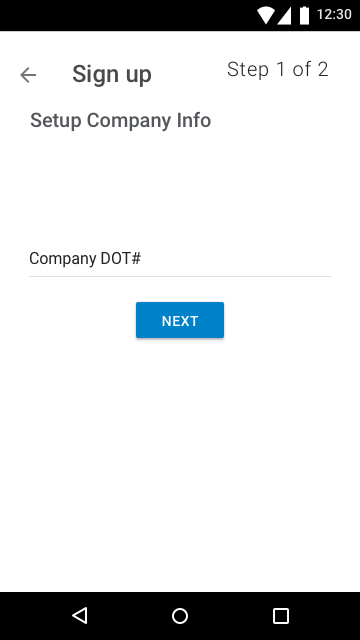
Option 3 - get company info through DOT#

Key design desicions

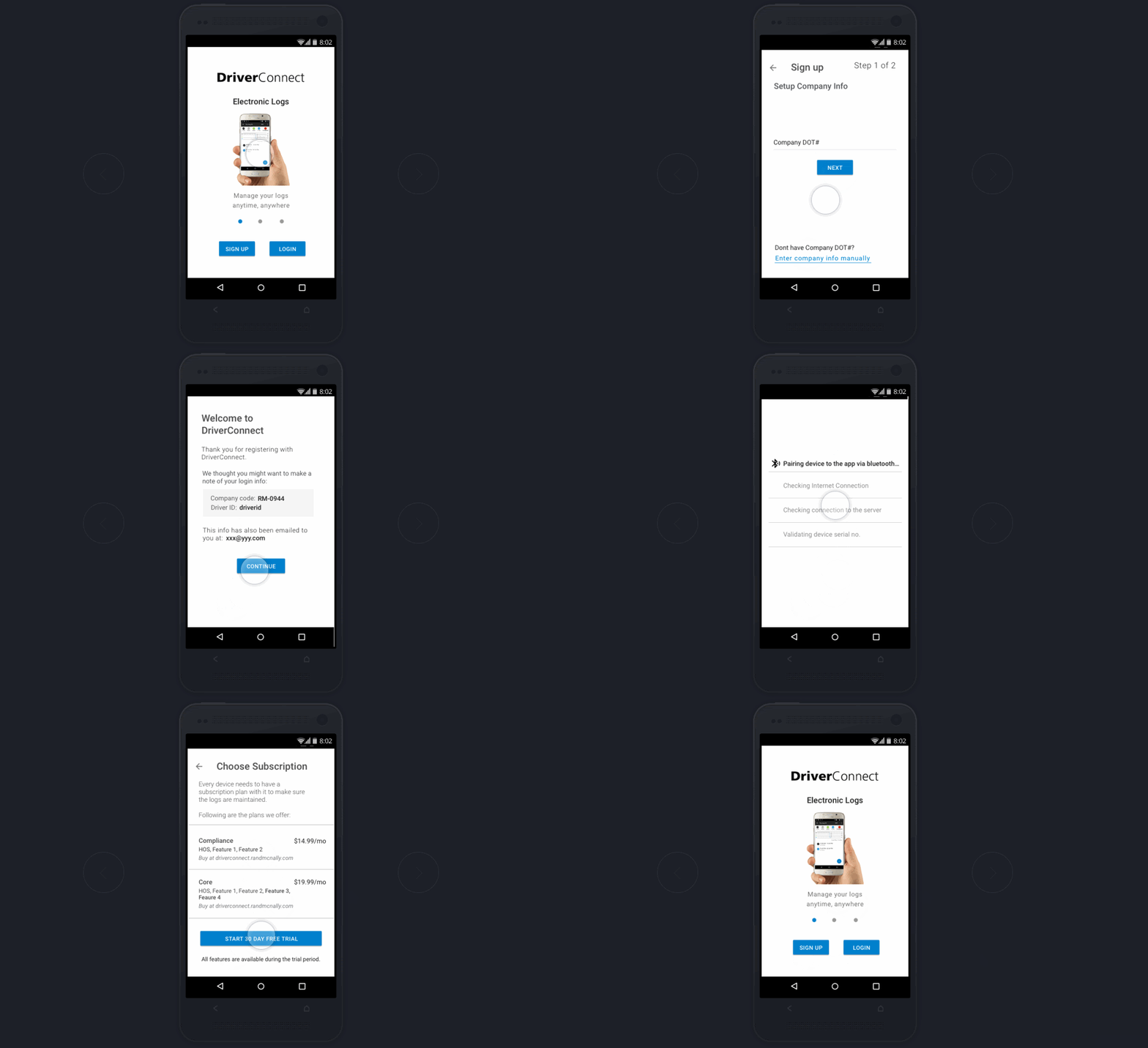
  • Replaced static tutorial screens with step-by-step, task-driven onboarding
  • Embedded account setup and fleet hierarchy creation into onboarding
  • Simplified device selection with clearer states and language
  • Introduced progressive disclosure to reduce cognitive load

Testing & Iterations

I collaborated closely with engineering to prototype and test the onboarding flow.
Usability testing helped validate:

  • Reduced setup errors as DOT# is an easy way to get added into a fleet
  • Users picked the right ELD device
  • Faster time-to-first-use

Iterations were driven by direct user feedback before final implementation.

Updated flow

Final Outcome

  • Improved onboarding clarity and completion rates
  • Reduced customer support requests related to setup
  • More consistent data configuration across fleets