I simplified the onboarding process for the DriverConnect app, making it easier for users to set it up and successfully pair with their electronic logging device (ELD). This improvement is crucial for using the app’s main function—maintaining digital hours of service.

DriverConnect – Improving New User Onboarding
Fleet & Driver Management · RandMcNally · UX/UI Designer
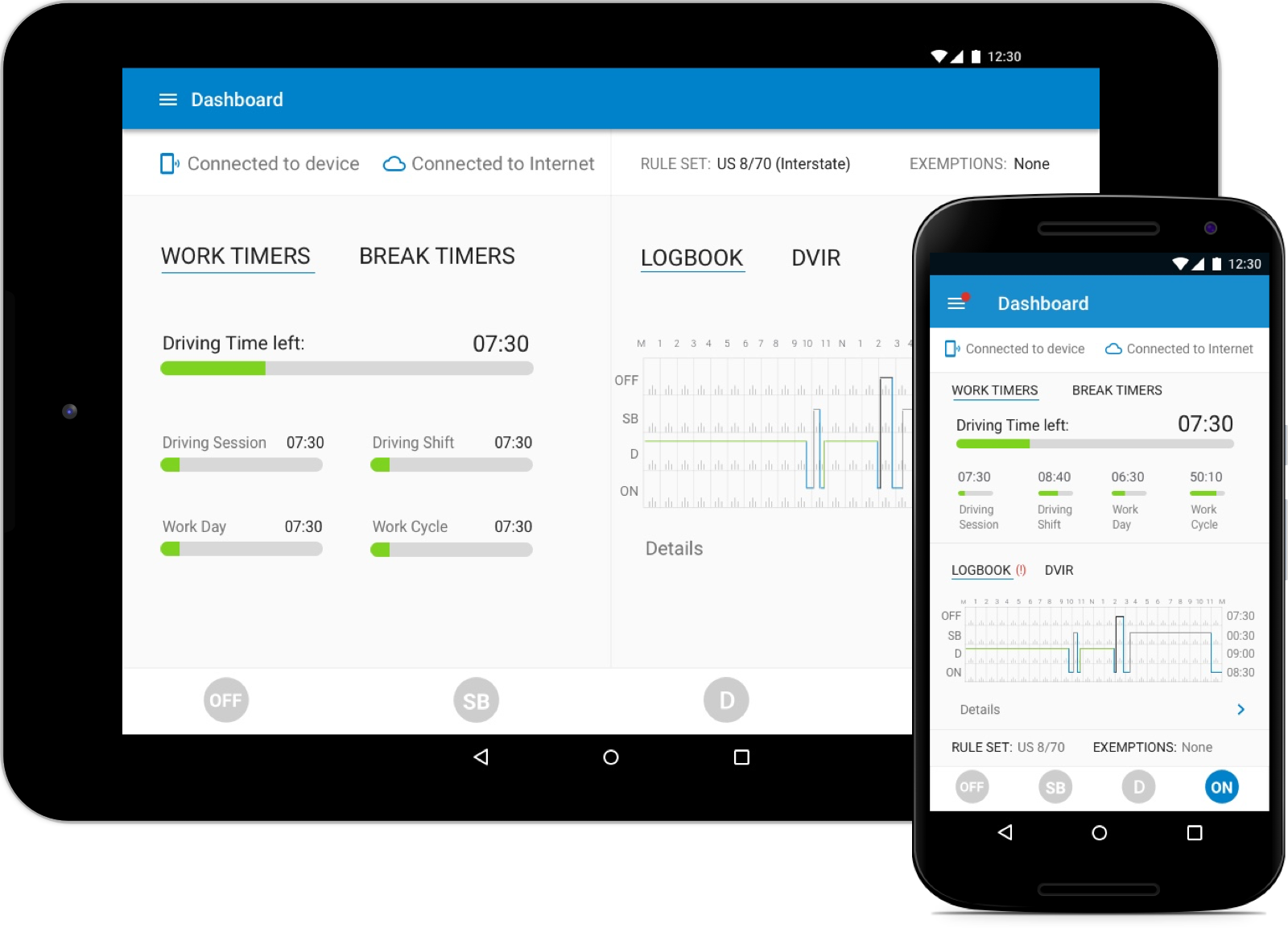
Landing screen for Driver Connect
Overview
I joined Rand McNally to work on DriverConnect, a fleet-management product in their commercial line used by truck drivers, fleet managers, and owner-operators to handle compliance, daily operations, and the constant back-and-forth between the cab and the office.
The product was shipping fast with heavy C-suite involvement, but two things were quietly costing the business: new customers struggled to get set up correctly, and drivers and fleet managers had no reliable way to communicate inside the product. I owned the design work on both — rebuilding onboarding into a guided, task-driven flow, and designing an in-app messaging feature that moved fleet–driver coordination out of phone calls, texts, and paper and into the product itself.
Role
UX/UI Designer
Platform
Android (ELD-enabled mobile app), Web Portal
Team
Director of Products, Product Manager, Engineering Lead, 6 devs (front end + backend), 2 QAs
The Challenge
DriverConnect was being built at speed, and feature velocity had outpaced usability. One problem surfaced again and again in support tickets and stakeholder conversations:
Onboarding was confusing and ineffective. New customers frequently set themselves up wrong — or gave up — before they ever reached daily use.
A problem that matters most for a fleet product: the early days of a customer relationship, when a bad experience turns into a cancelled account or a flood of support calls.
Understanding the Users
Before designing, it’s worth being clear about who these users actually are, because their context shaped every decision:
- Drivers are operating from inside a truck cab, often with limited time, variable connectivity, and a low tolerance for fiddly setup. Many are not highly technical and are pairing an ELD device — a piece of regulated hardware — for the first time.
- Fleet managers and owner-operators are coordinating multiple drivers, vehicles, and compliance requirements at once. They need to get drivers operational quickly and stay in contact without chasing people by phone.
The shared thread: both groups need to get going fast and stay coordinated, and friction at either point creates real operational and compliance risk.
Discovery & Research
I approached both problems with the same user-centered process.
- Listening tours — I met with engineering, product, sales, and customer support to align on priorities and surface the complaints that came up most often.
- Interviews & usability testing — I ran sessions with users to find where onboarding broke down and how drivers and fleets were communicating today.
- Competitive analysis — For onboarding, I studied products that require hardware pairing — Fitbit, Apple Watch, and KeepTruckin — to pull out best practices for guided, task-based setup.
What I found
- Fragmented account setup — Users signing up from the app unknowingly created separate company accounts, generating frequent support requests to merge fleets.
- Missed configuration steps — Many users skipped setup entirely and unknowingly ran on default settings, corrupting data accuracy downstream.
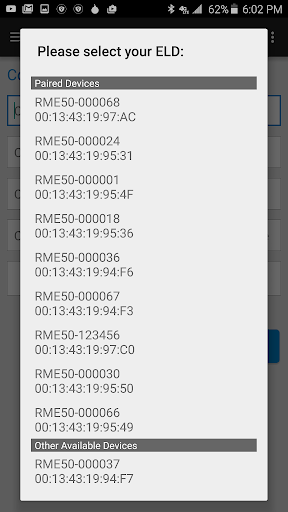
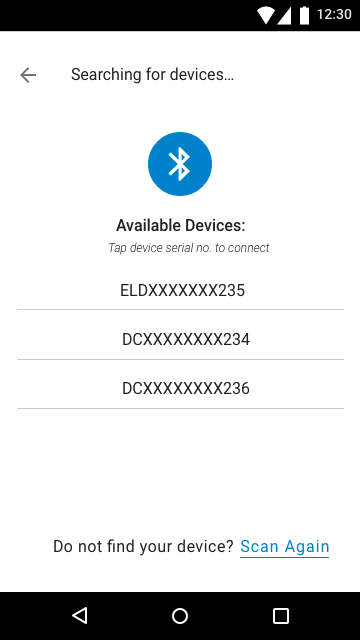
- Device confusion — The Android device list was overwhelming and unclear for drivers.
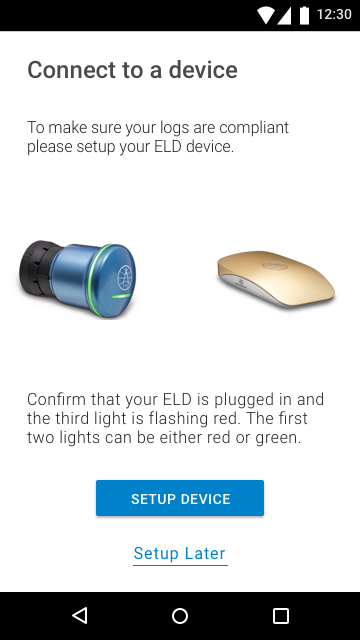
- Unclear starting point — Users didn’t know when or how to pair their ELD device.
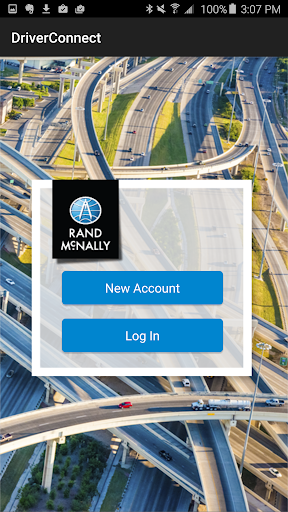
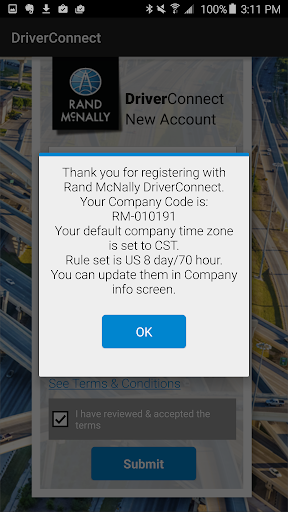
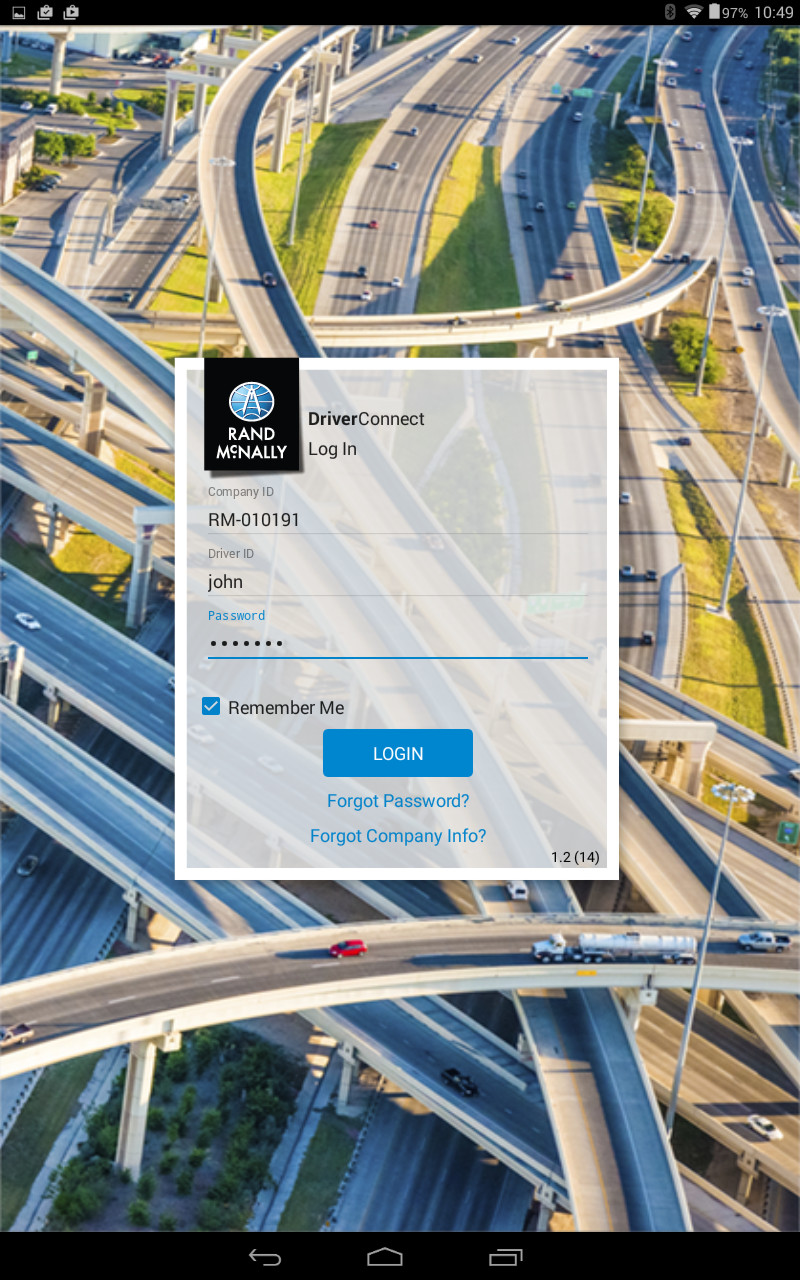
Redesigning Onboarding
Goal: a guided, actionable onboarding flow that helps users complete setup correctly, reduces support dependency, and gets drivers operational faster without overwhelming them.
The key decision: where does setup begin?
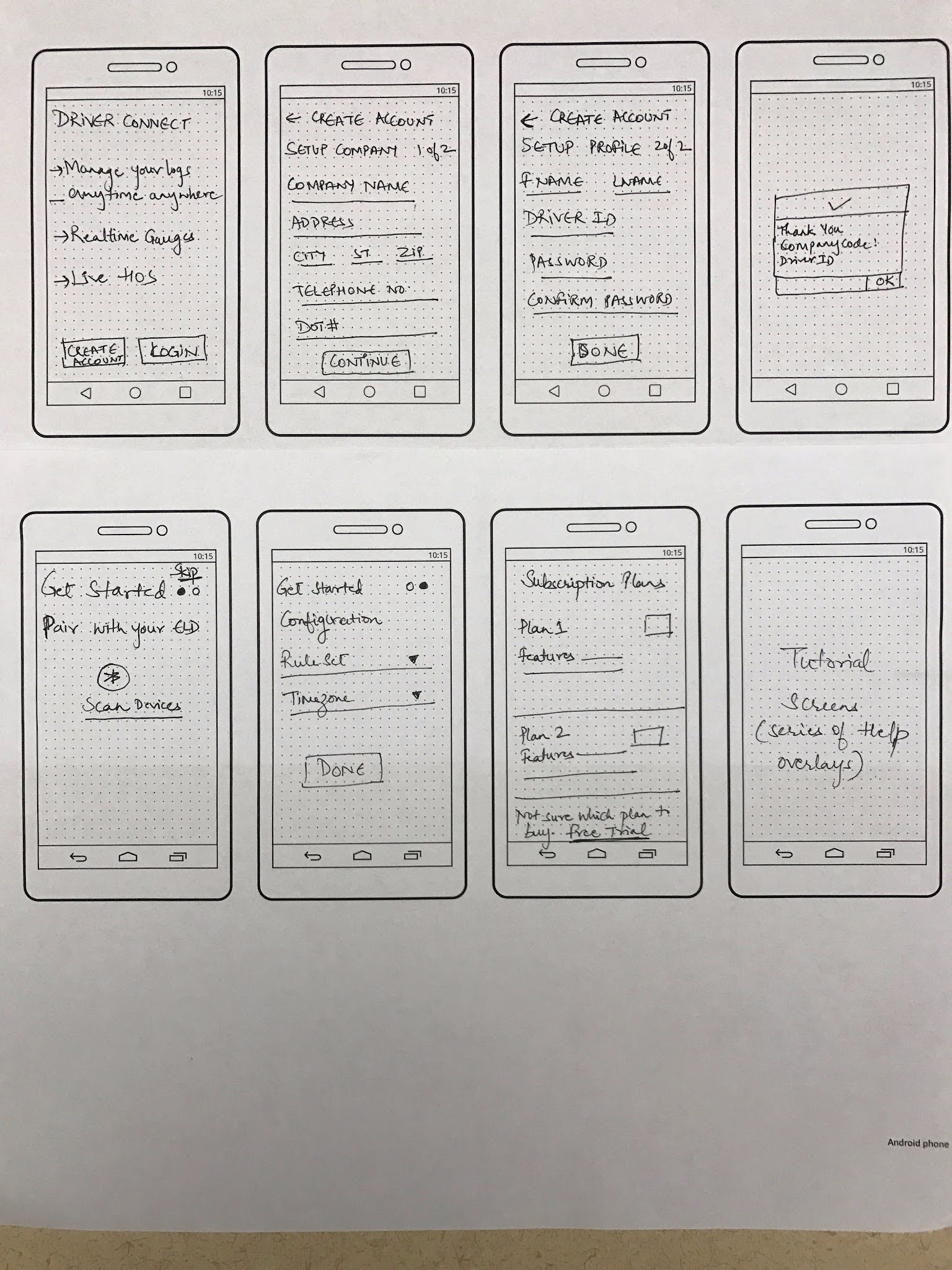
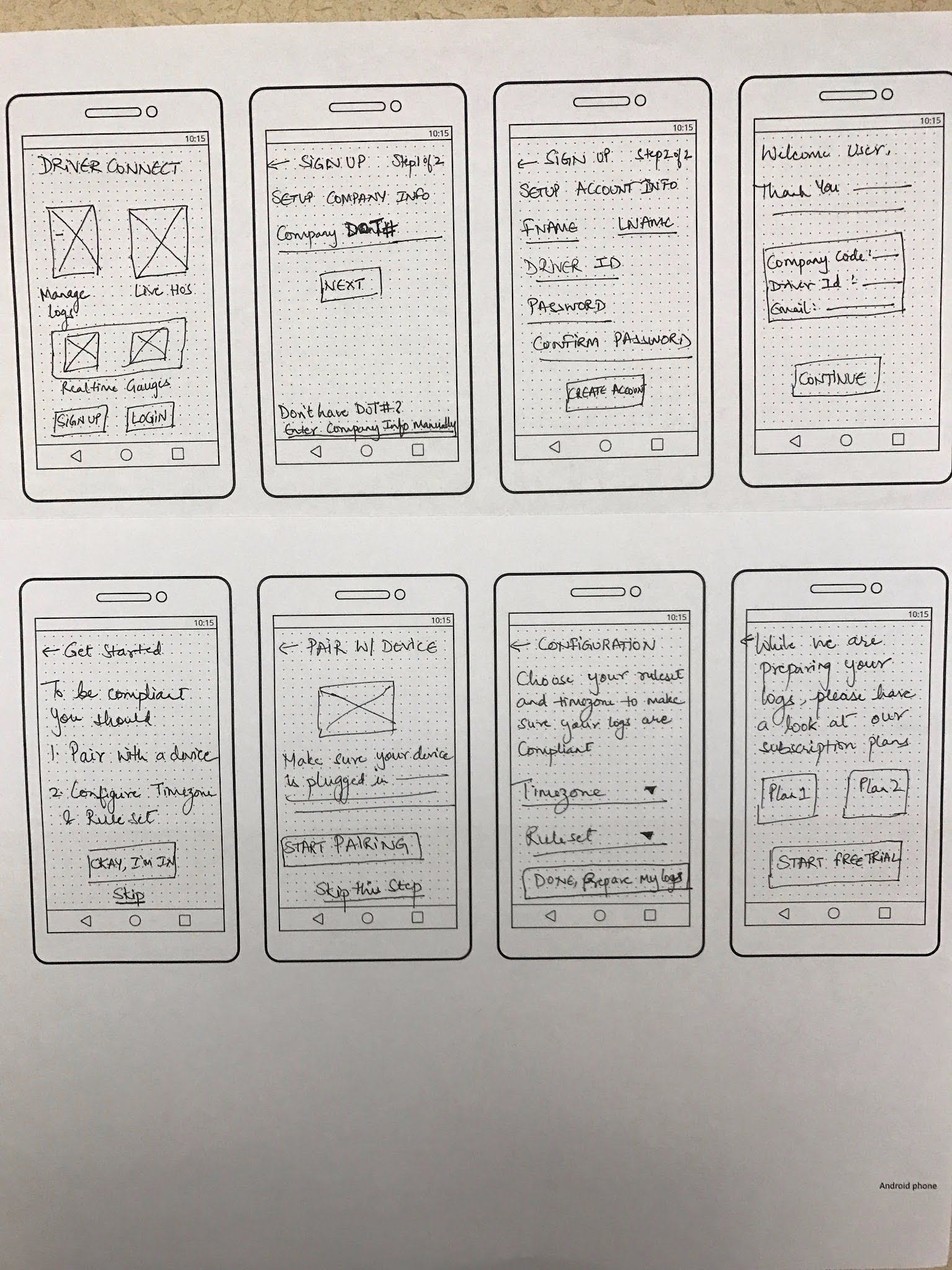
The hardest question was sequencing — what do we ask the user to do first? I sketched three approaches:
- Make ruleset/timezone configuration mandatory up front, so no one operates on defaults.
- Pair the ELD device first, then collect company info.
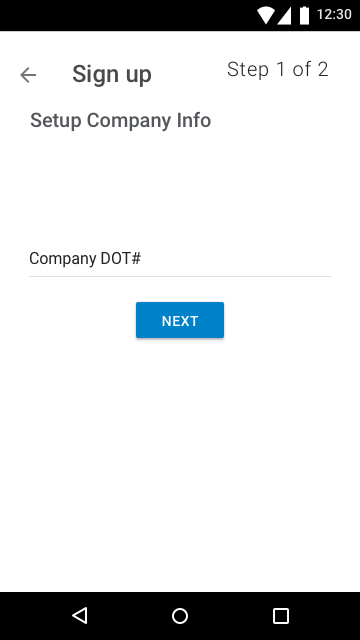
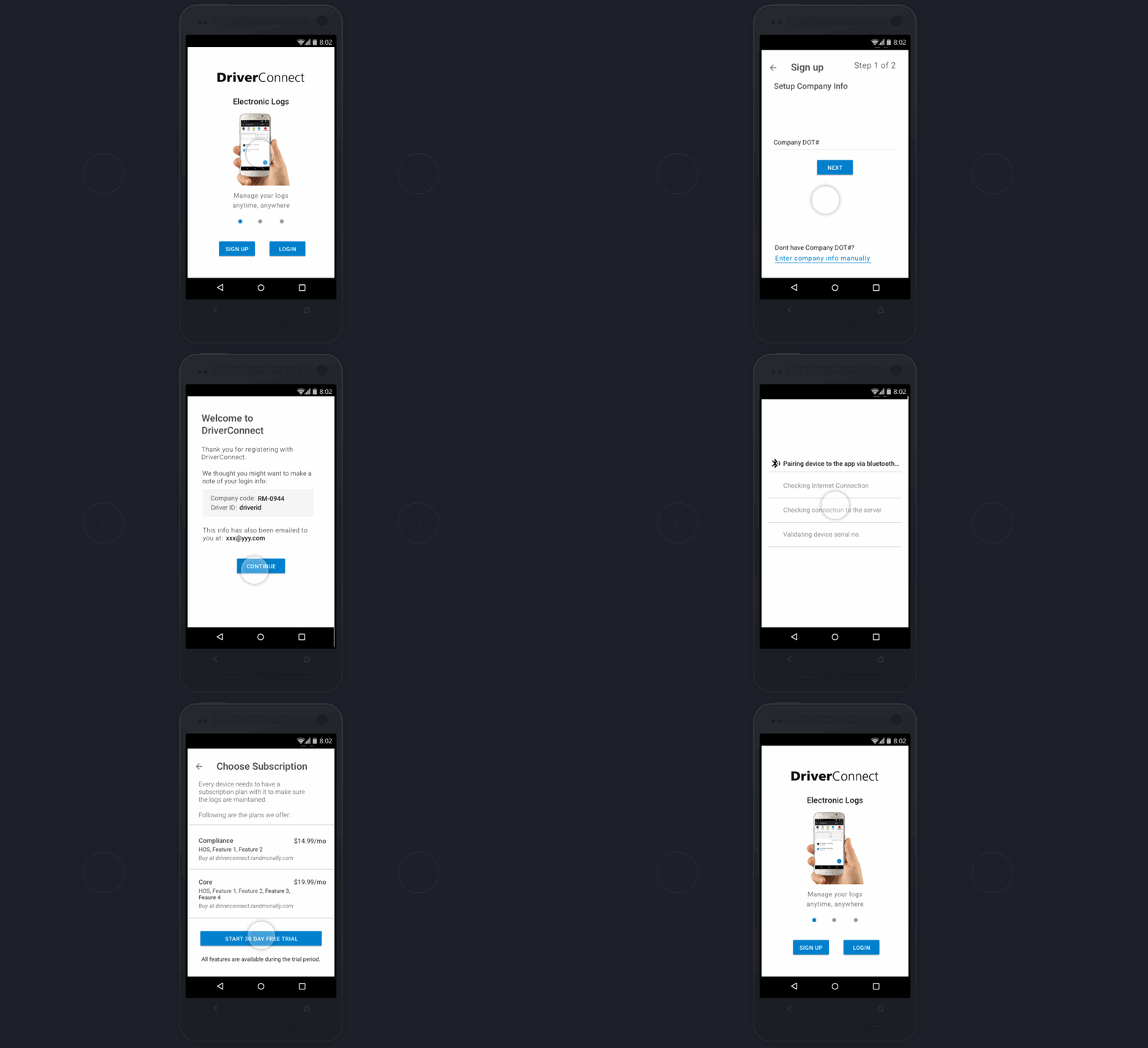
- Pull company info automatically via DOT#, so the user joins the right fleet without manual entry.
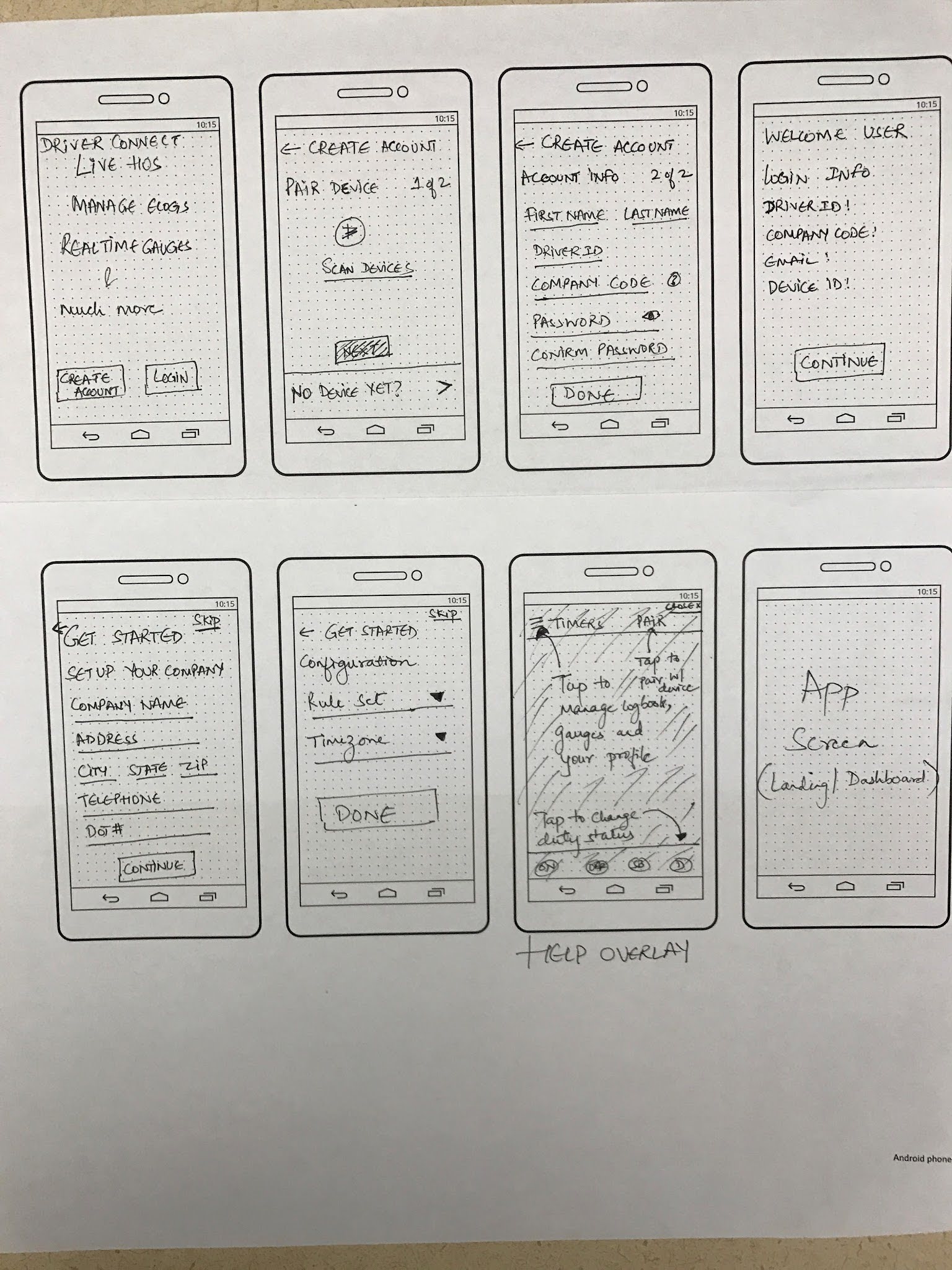
I tested these against the core findings and landed on the DOT#-driven path. It directly solved the most expensive problem — fragmented accounts and manual fleet setup — by letting a user join the correct existing fleet from a single, familiar number instead of accidentally spinning up a duplicate company. Where the other options reduced friction at one step, this one removed an entire class of support tickets.
Key design decisions:
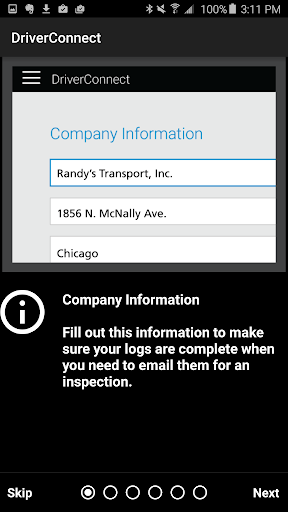
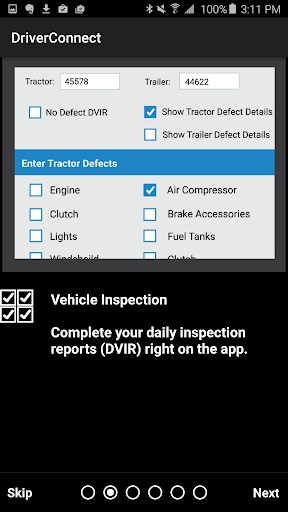
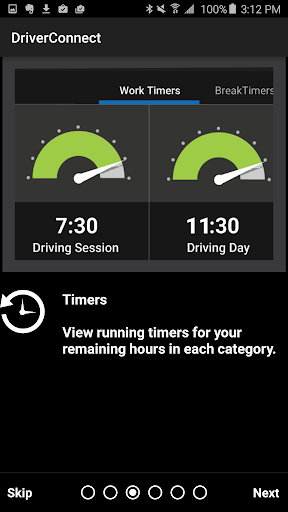
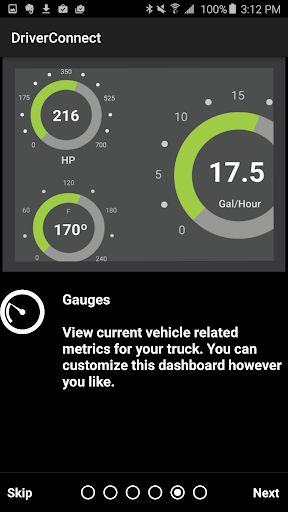
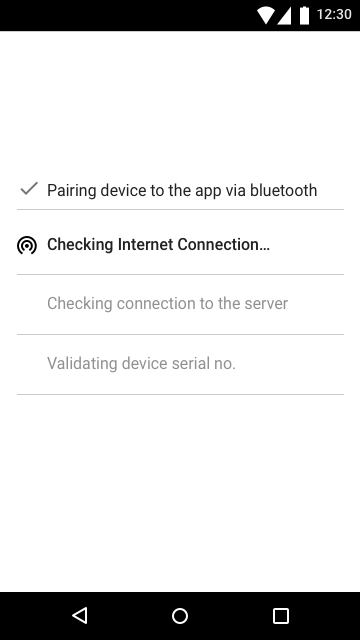
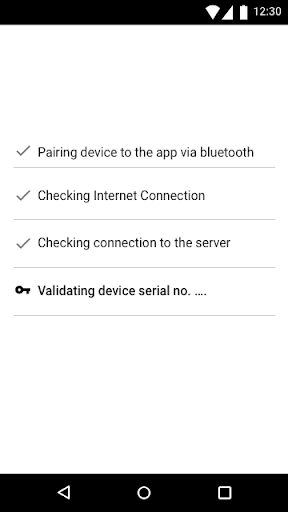
- Replaced static tutorial screens with step-by-step, task-driven onboarding
- Embedded account setup and fleet hierarchy creation into onboarding
- Simplified device selection with clearer states and language
- Introduced progressive disclosure to reduce cognitive load
Testing & Iterations
I worked closely with engineering to prototype and test both flows, and iterated on real user feedback before final implementation.
Usability testing validated that:
- Using DOT# made joining a fleet reliable, cutting setup errors.
- Users selected the correct ELD device without confusion.
- Time-to-first-use dropped.
Final Outcome
- Improved onboarding clarity and completion rates.
- Reduced setup-related customer support requests 50%.
- More consistent data configuration across fleets. 100% of new users used DOT# to configure their fleet.